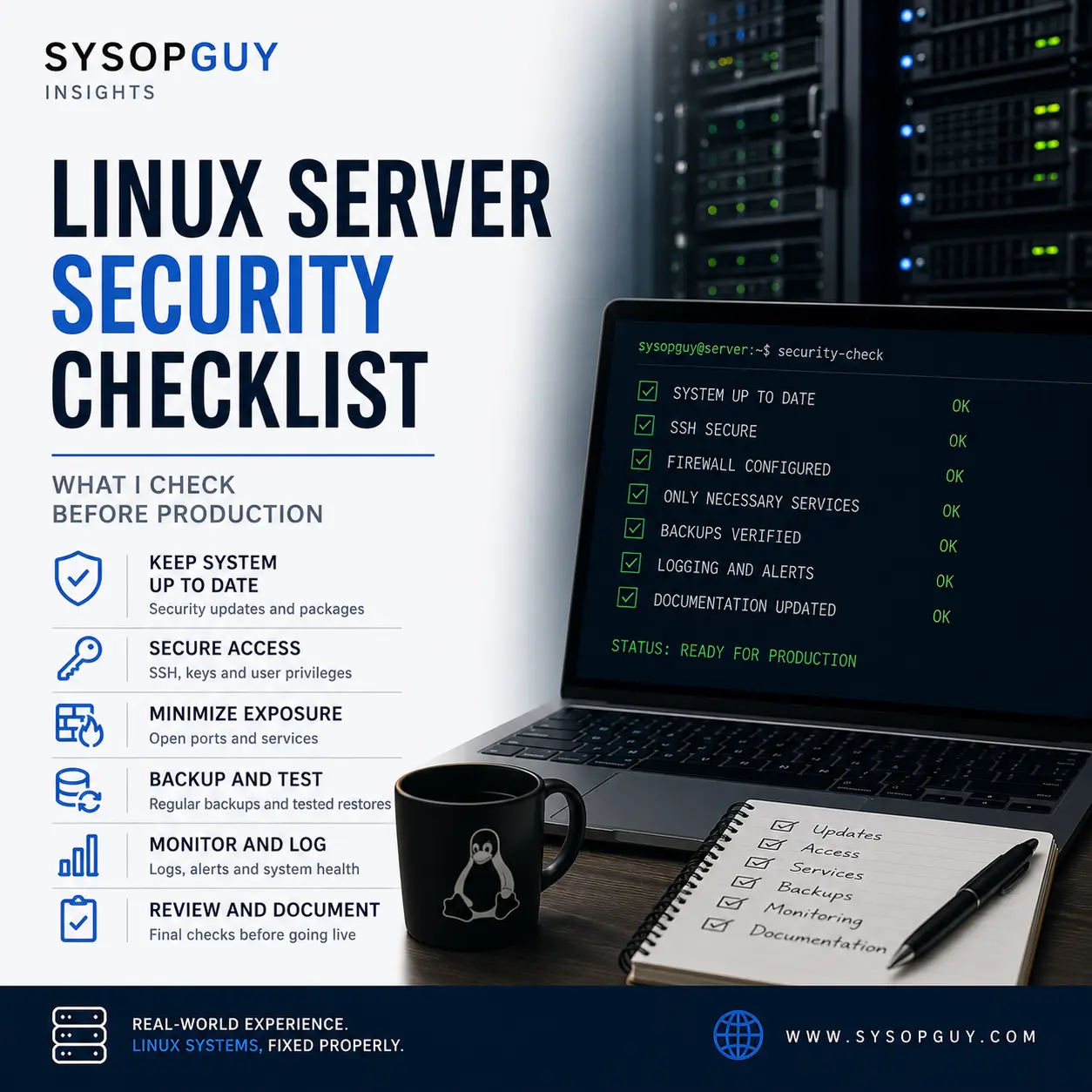
A Linux server should not enter production simply because the application loads and the main service starts.
Before I consider a system ready, I review the operating system, access paths, exposed services, privileges, backups, monitoring and recovery options. Each item reduces a different type of risk.
No checklist can guarantee security. However, a structured review can prevent many avoidable problems before real users and valuable data reach the server.
Start with a supported and understood operating system
The first question is not which hardening script to run.
I want to know what the server runs, whether the distribution still receives security updates and which repositories supply its packages. A supported operating system provides a reliable base for every control that follows.
Old third-party repositories deserve special attention. They can block upgrades, replace official packages or keep outdated software on an otherwise maintained server.
I also check whether the machine needs every installed component. A clean server with a clear purpose creates fewer dependencies and makes future maintenance easier.
Version support needs a realistic plan. For example, the Debian 12 LTS transition gives administrators more time, but it should not become a reason to postpone migration indefinitely.
Updates matter only when the server actually applies them. I review pending packages, repository errors and held dependencies before production.
Kernel updates require one more step. Installing a new kernel does not activate it, so I confirm the running version after the required reboot.
Control access before exposing services
Remote administration needs a deliberate access model.
For SSH, I prefer individual keys, clear ownership and a defined removal process. Strong cryptography helps, but SSH key hygiene still decides who can enter the server.
Unknown keys, shared credentials and permanent emergency access all create unnecessary uncertainty.
I review which accounts can log in, who needs administrative privileges and whether automation uses more access than its task requires. A deployment or backup process rarely needs an unrestricted interactive shell.
The network path matters just as much as the login method.
A public website needs internet traffic. A hypervisor panel, backup console or firewall dashboard usually does not. I therefore avoid public management interfaces whenever a VPN, private network, source restriction or controlled access layer can replace direct exposure.
Changing a port may reduce log noise, but it does not remove the service from the attack surface.
Before production, I want a clear answer for every open port: what uses it, who needs it and why the internet must reach it.
Reduce services, privileges and application risk
A server should run what the workload needs and little else.
I review listening ports, enabled systemd units, scheduled jobs and background processes. Forgotten test services, old monitoring agents and temporary web panels often survive longer than intended.
Removing unused software also reduces patching work.
Service accounts should have narrow permissions. A web application does not need ownership of every file on the server, and a database user should not control databases unrelated to that application.
File ownership and write access deserve careful review. When a public-facing process can modify application code, one compromised component may create a persistent foothold.
The application layer needs the same discipline.
For WordPress, that means current core files, maintained plugins and themes, suitable PHP versions and no abandoned extensions. A recent WordPress security update may fix core vulnerabilities, but it cannot secure an outdated plugin or weak server configuration.
Containers do not remove these responsibilities. They can improve separation and deployment consistency, but the host kernel, mounted secrets, network rules and container privileges still matter.
I also check where credentials live. Configuration files, environment variables, deployment systems and backups may all contain secrets. The server should expose them only to the processes and administrators that genuinely need them.
Verify the firewall, logs and recovery path
A firewall should reflect the server design rather than compensate for an unclear one.
I allow the required traffic and reject what the system does not need. Then I verify the result from outside the server instead of trusting the configuration file alone.
Logging comes next.
Authentication events, service failures, web errors and administrative actions need useful retention. Too little logging leaves me blind, while unlimited logs can fill a filesystem and create another outage.
Monitoring should detect conditions that require action. Service availability matters, but so do low disk space, failed updates, expiring certificates, backup errors and unexpected resource growth.
Alerts also need a real destination. A perfect monitoring rule has no value when nobody receives or reads the notification.
Backups form the final safety layer, but a completed job does not prove recovery. I want an independent copy, appropriate retention and a tested restore.
The restore process should include more than application data. Depending on the service, recovery may also require configuration, certificates, encryption keys, scheduled jobs, DNS information and documented dependencies.
Before production, I prefer to discover a missing file or unusable backup while the original system still works.
Production readiness needs a final review
Security hardening can easily turn into a collection of settings with no clear relationship to the workload.
My final review brings the pieces together.
I confirm the supported operating system, pending updates, active kernel, administrative accounts, SSH access, open ports, firewall rules, service privileges, application versions, logs, monitoring and recovery process.
Then I look for temporary decisions that became permanent during deployment.
A debug account, broad firewall rule or writable directory may have helped during setup. Production changes the context, so those exceptions need removal or a documented reason to remain.
Documentation should stay short enough to use. I want to know what the server does, where its backups live, how administrators reach it and what steps recovery requires.
After launch, the checklist does not disappear.
New vulnerabilities, package changes, expired credentials and growing workloads can alter the risk. Regular maintenance must keep the production server close to the state I approved.
A secure server is not one with the longest hardening guide.
It is one where every exposed service, trusted account and recovery dependency has a clear purpose.
If you need an independent review before moving a Linux server into production, I can examine the current configuration and identify the gaps that deserve attention first.