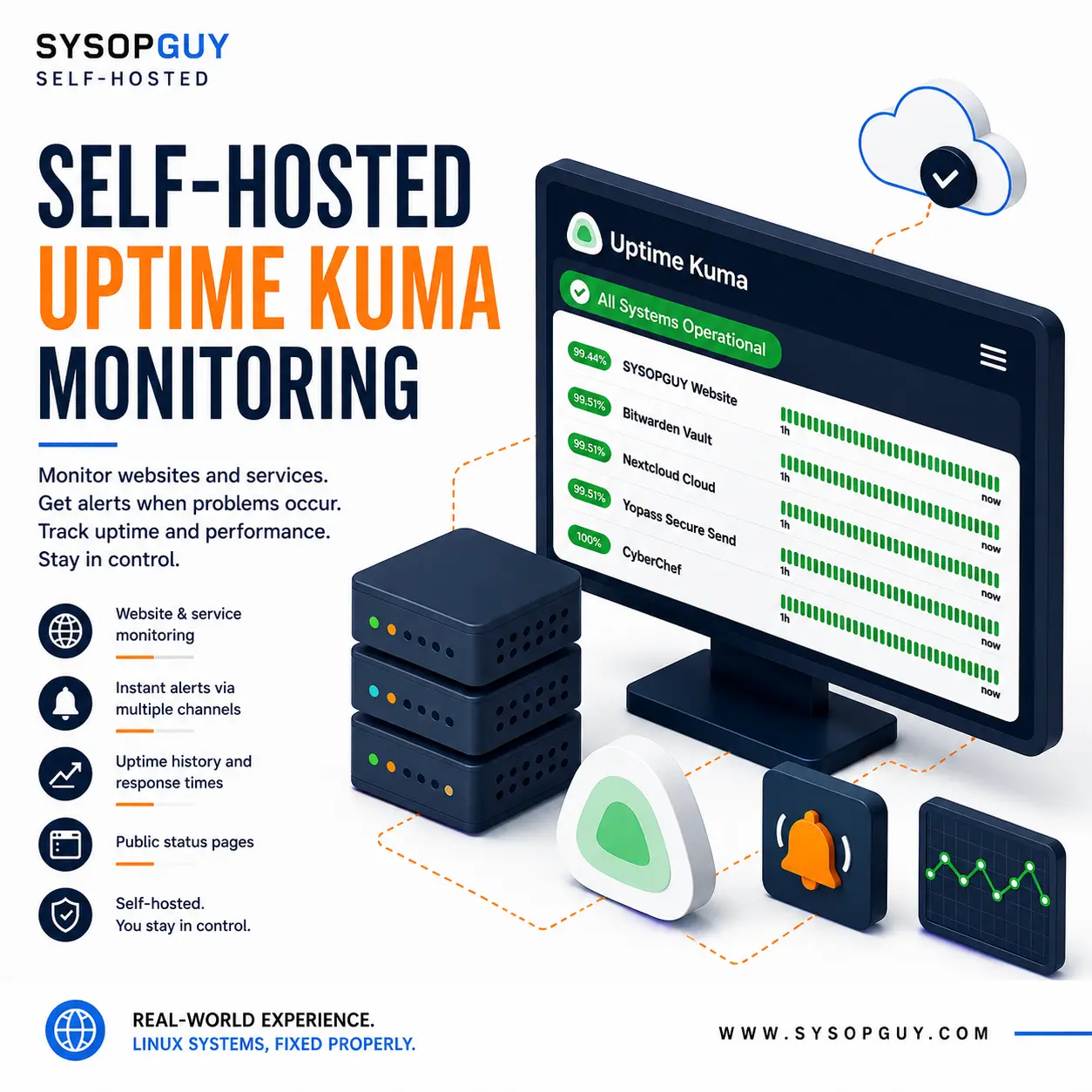
Know when a website or service stops responding.
A website can work correctly one moment and become unavailable the next.
Manual checks are not enough. By the time someone reports the problem, the service may already have been offline for hours.
Uptime Kuma checks websites, servers and network services at regular intervals. It records availability and response times, while notifications can report status changes as they happen.
Instead of waiting for someone else to notice a failure, you can start investigating sooner.
Why I recommend Uptime Kuma
Uptime Kuma provides clear self-hosted monitoring without forcing you to depend on an external monitoring platform.
I recommend it because it combines:
- Website monitoring — check whether pages and endpoints respond correctly.
- Network checks — monitor selected hosts, ports and services.
- Uptime history — review availability and response-time trends.
- Notifications — receive alerts through supported communication channels.
- Status pages — publish the condition of selected services.
- Self-hosting — keep the configuration and monitoring data under your control.
Uptime Kuma supports different monitor types, many notification methods and multiple public status pages.
As a result, it works well for websites, servers, private infrastructure and other services that need regular availability checks.
See the SYSOPGUY services online
I use Uptime Kuma to monitor selected SYSOPGUY services and publish their current status.
View the live SYSOPGUY status page
The page provides a real example of Uptime Kuma monitoring live services and presenting their availability through a public status page.
Why self-host Uptime Kuma?
External monitoring platforms can be useful. However, they also store your monitor configuration, service addresses, notification settings and availability history.
Self-hosting gives you direct control over the monitoring platform.
You decide:
- Which services to monitor
- Which checks to perform
- How often each check runs
- Which notifications report problems
- Which services appear on the status page
- Where the configuration and history remain stored
- When the application receives updates
In addition, you avoid adapting your monitoring requirements to the restrictions of a predefined hosted plan.
Whenever possible, the monitoring system should run independently from the services it watches. Otherwise, the same failure could affect both the monitored service and the monitor itself.
Uptime Kuma installation and configuration
I install and configure Uptime Kuma on suitable existing or newly prepared infrastructure.
Depending on the environment, the work may include:
- Infrastructure review
- Uptime Kuma installation
- Domain and DNS configuration
- HTTPS and certificate setup
- Secure administrative access
- Website and service monitors
- Notification configuration
- Public status page setup
- Backup planning
- Update procedures
- Basic recovery documentation
The final setup depends on the services, check frequency, notification requirements and available infrastructure.
The monitoring system must fit the environment rather than follow a generic template.
Reliable monitoring needs maintenance
A monitoring platform only helps when it continues to run and report problems correctly.
Therefore, the installation needs secure access, persistent data, backups and planned updates.
For public access, Uptime Kuma recommends using HTTPS through a correctly configured reverse proxy. Its documentation also warns that major upgrades may include breaking changes and require careful preparation.
I configure Uptime Kuma together with the surrounding infrastructure rather than treating a working dashboard as the end of the job.
Monitor problems before users report them
Uptime Kuma gives you a clear view of website and service availability while keeping the checks, notifications and status pages under your control.