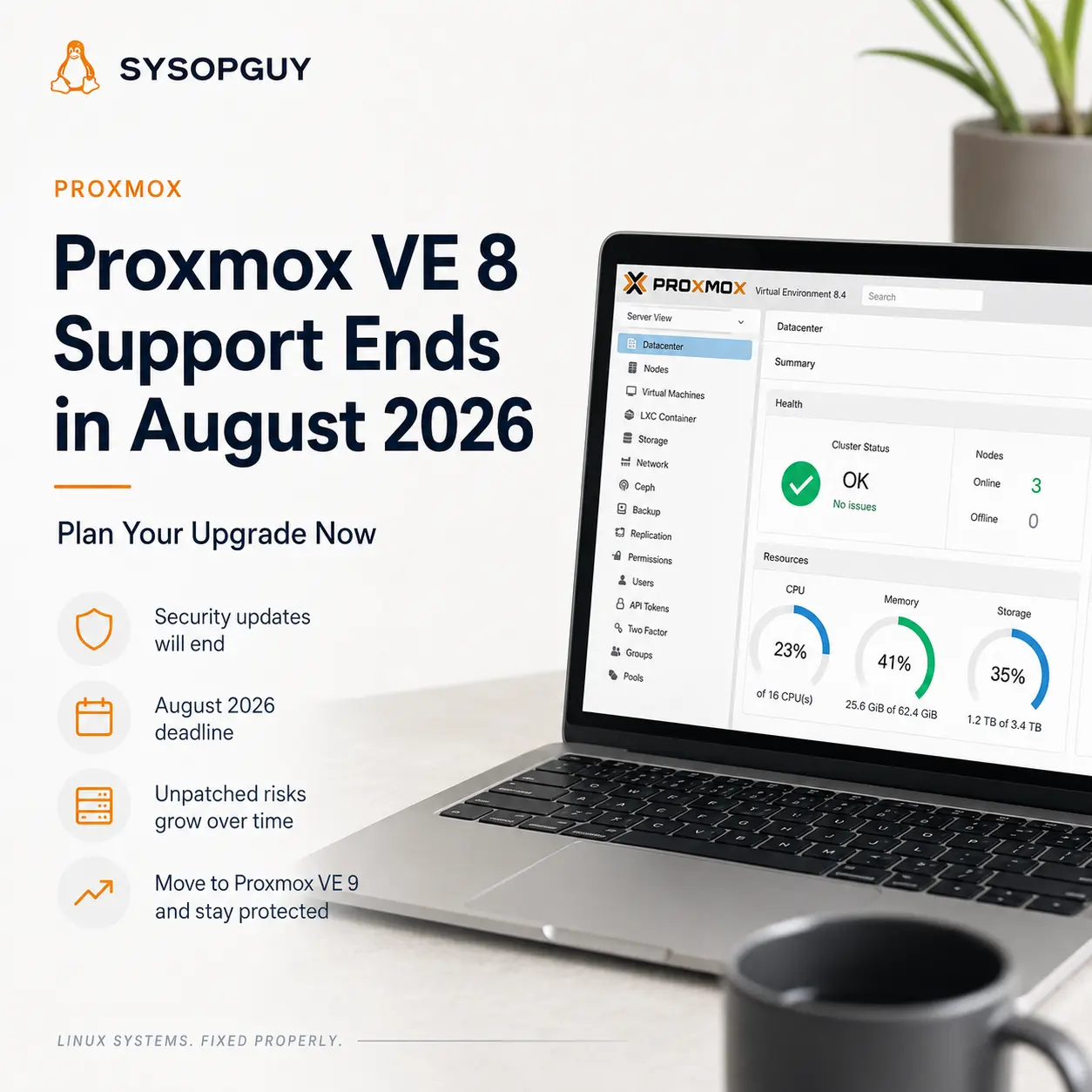
Proxmox VE 8 reaches end of support in August 2026.
Until then, Proxmox VE 8.4 will continue receiving security updates and critical bug fixes. After that date, administrators should not expect the platform to remain maintained.
The deadline does not mean that every Proxmox VE 8 host will suddenly stop working.
Virtual machines will continue running, storage will remain accessible, and the management interface will not disable itself. However, an unsupported hypervisor becomes a growing security and maintenance risk.
For that reason, I would plan the move now instead of waiting for the final weeks of support.
End of support changes the risk
A hypervisor sits below almost every other system in the infrastructure.
It controls virtual machines, containers, storage, networking, backups and administrative access. A vulnerability at that level can affect several services at once.
After end of support, newly discovered flaws may no longer receive fixes for Proxmox VE 8.
The same problem applies to compatibility. Future updates, repositories and management tools will increasingly target the supported Proxmox VE 9 branch rather than an older platform.
Existing workloads may continue running for months or years. That apparent stability can create a false sense of safety.
A server does not become secure simply because nobody has noticed a problem yet.
Proxmox VE 8 also uses Debian 12 as its base. Debian 12 has now entered Long Term Support, but Proxmox follows its own lifecycle and has set August 2026 as the end date for VE 8.
The additional Debian support window does not extend Proxmox VE 8 support automatically.
Why waiting makes the upgrade harder
Major platform upgrades deserve preparation.
Proxmox VE 9 moves the host from Debian 12 Bookworm to Debian 13 Trixie. It also updates important components such as the Linux kernel, QEMU, LXC, ZFS and Ceph.
Most supported configurations should follow the official upgrade path without major problems. However, real hosts often contain details that complicate the process.
Old repositories may still exist in APT configuration. Third-party packages can depend on Bookworm libraries. Custom kernel modules may not support the newer kernel.
Hardware passthrough, unusual network configurations and storage integrations also deserve attention.
A cluster adds more dependencies. Node versions, quorum, Ceph health, migration capacity and available maintenance windows all affect the upgrade sequence.
Waiting until August removes useful time for testing and recovery.
If the first host exposes an unexpected problem, I want enough time to investigate it without running the rest of the infrastructure against a deadline.
The official Proxmox guide explicitly recommends careful planning, verified backups and extensive testing before starting the upgrade.
What I would check before upgrading
First, I would bring the existing Proxmox VE 8 installation fully up to date.
Starting from a current 8.4 system reduces the number of variables during the major upgrade. Pending packages, repository errors and old kernels should not remain hidden until the maintenance window.
Proxmox provides the pve8to9 checker to identify known configuration and compatibility issues.
The checker does not guarantee a successful upgrade. It gives administrators an important list of problems to resolve before changing the underlying Debian release.
Next, I would review every configured repository.
Enterprise and no-subscription repositories must point to the correct release. Ceph repositories need the same attention, while unrelated third-party sources may need temporary removal or a compatible Trixie version.
Storage deserves a separate review.
Local LVM, ZFS, NFS, iSCSI, Ceph and other backends each introduce different dependencies. I want to know which storage contains the guests, where backups live and how I would recover a host if it failed to boot.
Backups must exist outside the machine being upgraded.
A snapshot on the same host may help with a guest-level rollback, but it cannot recover the hypervisor after a storage or boot failure. More importantly, a completed backup job means little until someone has confirmed a working restore.
Finally, I would document the network configuration, bridges, VLANs, routes and management addresses. Losing remote connectivity during an upgrade becomes much easier to handle when console or out-of-band access already exists.
In-place upgrade or clean installation?
An in-place upgrade often makes sense for a healthy and well-understood Proxmox host.
It preserves the existing guest definitions, storage configuration and network setup. For a cluster, it also supports a controlled node-by-node process when enough capacity exists to migrate workloads.
A clean installation may suit older or heavily modified systems better.
Years of upgrades can leave obsolete repositories, packages and configuration behind. New hardware also creates an opportunity to install Proxmox VE 9 cleanly and migrate the guests without modifying the original host.
Neither method always wins.
The correct choice depends on storage, downtime tolerance, cluster capacity, hardware age and recovery options.
For a single server with local storage, an in-place upgrade may avoid a difficult data migration. On the other hand, a second host can provide a safer path because the original system remains available during testing.
I would choose the method before the maintenance window and document the rollback path clearly.
“Reinstall if something goes wrong” is not a recovery plan unless the backups, configuration and required access already exist.
Proxmox VE 9 is no longer a new release
Some administrators delay major upgrades because they prefer to avoid the first months of a new platform.
That concern made more sense when Proxmox VE 9.0 first appeared in August 2025.
The current branch has since progressed through several releases. Proxmox VE 9.2 arrived in May 2026 and added features such as dynamic load balancing and expanded software-defined networking capabilities.
The move therefore does not require adopting an untested first release.
Proxmox VE 9 now represents the active platform, while Proxmox VE 8 approaches the end of its maintenance window.
I would still test the upgrade against the real infrastructure. A mature platform cannot predict every custom repository, storage layout or hardware device.
However, postponing the move only because version 9 once felt new no longer provides a strong reason.
Plan the upgrade before it becomes urgent
Proxmox VE 8 remains supported for a little longer.
That remaining time should serve as a planning window, not as permission to ignore the migration.
I would review the host now, resolve warnings, verify independent backups and choose whether to upgrade in place or migrate to a clean installation.
For clusters, I would also confirm quorum, migration capacity and storage health before touching the first node.
A calm upgrade completed before the deadline carries less risk than emergency work on an unsupported hypervisor.
August 2026 is close enough to start planning.
It is not yet so close that administrators need to rush.
If you need to assess a Proxmox VE 8 host or plan a controlled migration to Proxmox VE 9, I can review the current infrastructure and identify the safest practical approach.