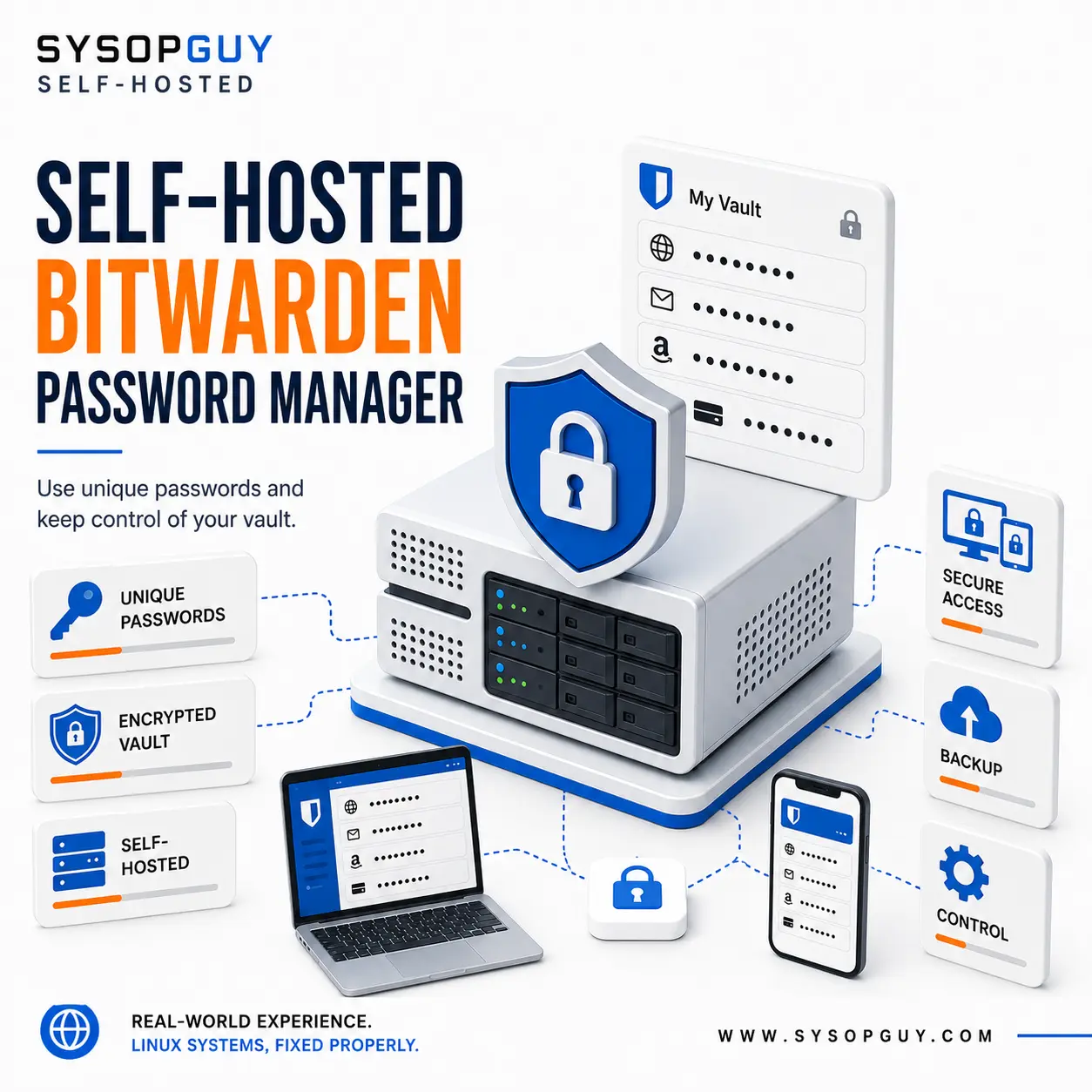
Use unique passwords and keep control of your vault.
Passwords protect email accounts, online services, devices, documents and infrastructure.
However, many people still reuse the same password, create small variations or save credentials in notes, spreadsheets and unprotected files.
When one password becomes exposed, several unrelated accounts may become vulnerable.
A password manager solves this problem by storing credentials inside an encrypted vault and generating a strong, unique password for every account.
You remember one strong master password. Bitwarden handles the rest.
Why I recommend Bitwarden
Bitwarden provides official applications for browsers, desktop systems and mobile devices. This allows you to access the same encrypted vault from the devices you already use.
It encrypts vault data on your device before synchronising it with the server. Bitwarden describes this approach as end-to-end, zero-knowledge encryption.
I recommend it because it combines:
- Official applications for common devices and browsers
- Strong password generation
- Encrypted synchronisation
- Multi-factor authentication
- An official self-hosted server option
A password manager still requires good security habits. Use a strong master password, enable multi-factor authentication and protect every device that can access the vault.
See the real Bitwarden service online
The Bitwarden server presented by SYSOPGUY is installed, configured and reachable online.
It is not a screenshot, a mock-up or a service that I only claim to support.
View the live Bitwarden instance
Public registration is disabled. There are no demo accounts, shared credentials or real client data.
The purpose is simple: to demonstrate a genuine Bitwarden deployment running on real infrastructure.
Why self-host Bitwarden?
Bitwarden already provides its own hosted service. Therefore, self-hosting does not automatically make its encryption stronger.
It changes who controls the infrastructure.
With a self-hosted Bitwarden server, you decide:
- Where the service runs
- Where encrypted vault data is stored
- Which domain the applications use
- Who can create an account
- How administrative access is protected
- When updates are installed
- How backups are created
- How the service is monitored
- How the installation can be recovered
This reduces dependence on another hosted platform while preserving the normal Bitwarden applications and workflow.
The vault remains encrypted, while the server, storage, configuration and operational decisions remain under your control.
Official Bitwarden installation and configuration
The SYSOPGUY instance runs the official Bitwarden self-hosted server.
I install and configure the same official server software on suitable existing or newly prepared infrastructure.
Depending on the environment, the work may include:
- Infrastructure review
- Official Bitwarden server installation
- Domain and DNS configuration
- HTTPS and certificate setup
- Storage and application data configuration
- Registration restrictions
- Administrative access protection
- Backup planning
- Update procedures
- Monitoring
- Client connection guidance
- Basic recovery documentation
A virtual machine, dedicated server, NAS or another suitable environment may require a different approach.
The installation must fit the infrastructure, not a generic template.
Control requires maintenance
A password vault contains some of the most sensitive information you own.
For that reason, a self-hosted installation needs secure access, regular updates, reliable backups, monitoring and a recovery plan.
A badly maintained service can become a risk instead of an advantage.
I configure Bitwarden together with the surrounding environment rather than treating a working login page as the end of the job.
Keep your passwords under control
My first recommendation is straightforward:
Use a serious password manager and stop reusing passwords.
Self-host Bitwarden when you also want control over the server, storage, access, backups and maintenance.
Request a Bitwarden installation
Unique passwords. A protected vault. Infrastructure under your control.