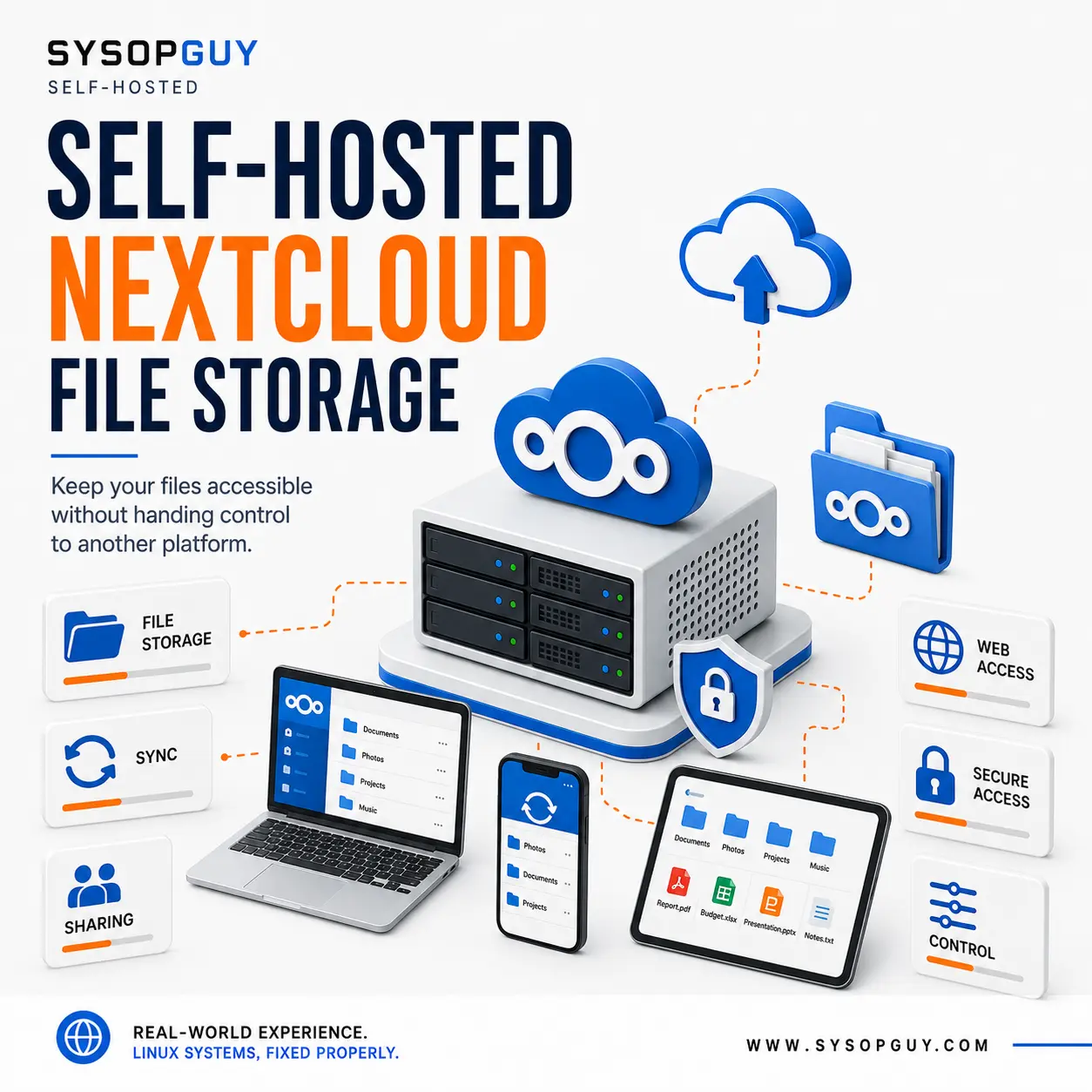
Keep your files accessible without handing control to another platform.
Cloud storage makes it easy to access documents, photos and other files from different devices.
However, services such as Google Drive, Microsoft OneDrive and Dropbox store that data on infrastructure controlled by another company. The provider manages the platform, defines the account rules and decides how the service changes over time.
Nextcloud offers a practical alternative.
It provides file storage, synchronisation and sharing through infrastructure that you own or control.
You keep the convenience of online storage while deciding where your files live and who can access them.
Why I recommend Nextcloud
Nextcloud provides a familiar way to access and manage files through a browser, desktop computer or mobile device.
I recommend it because it combines:
- Central file storage — keep important files in one controlled location.
- File synchronisation — access selected folders from authorised devices.
- Web access — manage files from any supported browser.
- Desktop and mobile clients — use the devices you already rely on.
- Controlled sharing — share specific files or folders without exposing everything.
- Self-hosting — choose the infrastructure, storage and access rules.
As a result, Nextcloud can replace part of a conventional cloud storage workflow without locking your files inside another provider’s ecosystem.
See Nextcloud running online
SYSOPGUY runs a real Nextcloud instance on live infrastructure.
View the live Nextcloud instance
The service is online because I installed and configured it, not because I simply added Nextcloud to a list of supported applications.
Why self-host Nextcloud?
A hosted cloud account may be convenient. Nevertheless, the provider still controls the service and the infrastructure behind it.
Self-hosting puts those decisions back in your hands.
With a self-hosted Nextcloud installation, you control:
- Where the service runs
- Where files and application data remain stored
- Who can access the platform
- How accounts and sharing work
- How much storage the service can use
- When updates take place
- How backups protect the data
- How monitoring detects problems
- How the service can be restored or moved
Therefore, you can adapt Nextcloud to your actual requirements instead of accepting a fixed platform by default.
At the same time, self-hosting does not remove responsibility. The service still needs secure configuration, maintenance and reliable backups.
Nextcloud installation and configuration
I install and configure Nextcloud on suitable existing or newly prepared infrastructure.
Depending on the environment, the work may include:
- Infrastructure and storage review
- Nextcloud and database installation
- Domain and DNS configuration
- HTTPS and certificate setup
- Storage and application data configuration
- Account and access restrictions
- Background job configuration
- Security settings
- Backup and update planning
- Monitoring
- Client connection guidance
- Basic recovery documentation
The exact design depends on the available infrastructure, storage capacity, expected usage and required level of availability.
The installation must fit its environment and intended use, not a generic template.
Maintenance remains essential
Nextcloud may contain documents, photos and other important information. For this reason, the installation needs more than a working login page.
Regular updates help reduce security and compatibility problems. Meanwhile, reliable backups protect both the files and the configuration required to restore the service.
Monitoring also helps identify downtime, storage issues and certificate problems before they become more serious.
I configure Nextcloud together with the surrounding environment so that the service remains secure, maintainable and recoverable.
Run Nextcloud on your own infrastructure
Nextcloud makes sense when you want convenient access to your files without depending entirely on another company’s storage platform.
It gives you a familiar cloud experience while keeping control of the server, storage, accounts, access rules and maintenance.