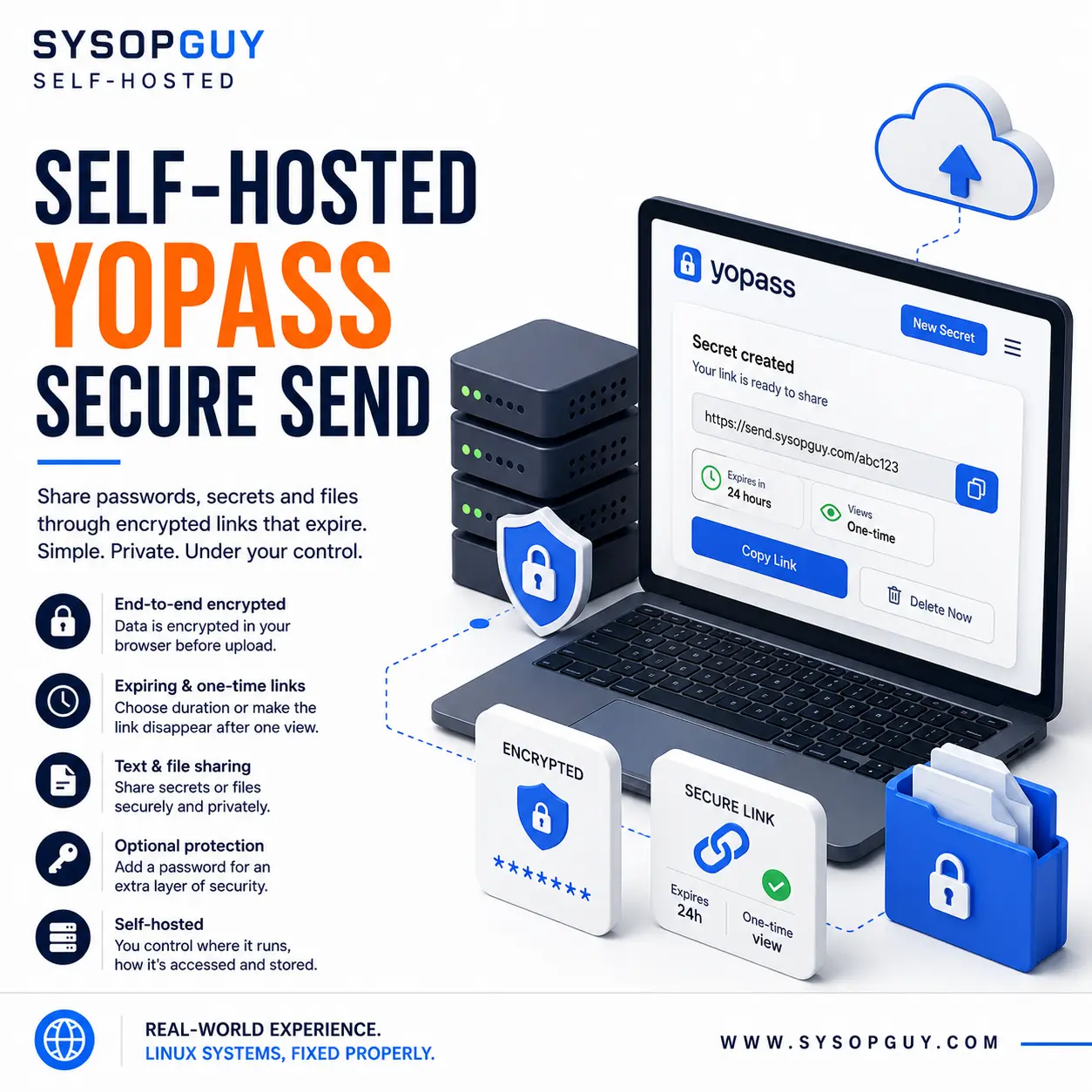
Share sensitive information without leaving it in email or chat.
Passwords, recovery codes, access details and private files often travel through email, messaging apps or support tickets.
However, those channels may retain the information long after the recipient has used it. Messages remain searchable, synchronised across devices and accessible to anyone who later gains control of the account.
Yopass provides a safer way to transfer sensitive information.
It encrypts the content inside your browser before sending it to the server. The generated link can expire automatically or become unavailable after the first successful view.
The recipient gets the information without leaving a permanent readable copy inside an ordinary message.
Why I recommend Yopass
Yopass focuses on one task and keeps the process simple.
I recommend it because it provides:
- Browser-based encryption — content receives encryption before upload.
- Expiring links — secrets disappear after a selected period.
- One-time access — a link can stop working after the first view.
- Optional password protection — add another requirement before access.
- Encrypted file sharing — share files as well as text.
- No account required — the standard sharing flow remains quick.
- Self-hosting — keep the service on infrastructure under your control.
As a result, Yopass offers a practical alternative to sending sensitive information directly through email or chat.
See Yopass running online
A live Yopass instance runs on SYSOPGUY infrastructure.
You can use it to create an encrypted, temporary link for a message or file.
Why self-host Yopass?
Public secret-sharing services still depend on infrastructure operated by someone else.
Although Yopass protects the contents through browser-based encryption, self-hosting also gives you control over the service around them.
You decide:
- Where Yopass runs
- Which domain provides access
- Which expiration options users can select
- Whether the service accepts file uploads
- How the installation stores encrypted data
- How access, updates and monitoring work
Therefore, you can integrate Yopass into your own workflow without relying on an unrelated public instance.
The sender must still verify the recipient and protect the generated link. In addition, any separate password should travel through a different communication channel.
Yopass installation and configuration
I install and configure Yopass on suitable existing or newly prepared infrastructure.
Depending on the environment, the work may include:
- Infrastructure review
- Yopass installation and storage configuration
- Domain, DNS and HTTPS setup
- Expiration and upload limits
- Access and proxy configuration
- Update planning
- Monitoring
- Basic recovery documentation
The final setup depends on the expected usage, file requirements and available infrastructure.
The installation must fit its purpose rather than follow a generic template.
Transfer secrets instead of storing them in messages
Yopass does not replace a password manager or access-control system.
Instead, it solves the moment when sensitive information must move securely from one person to another.
Temporary encrypted links reduce the need to leave passwords, recovery codes and private files inside communication histories indefinitely.