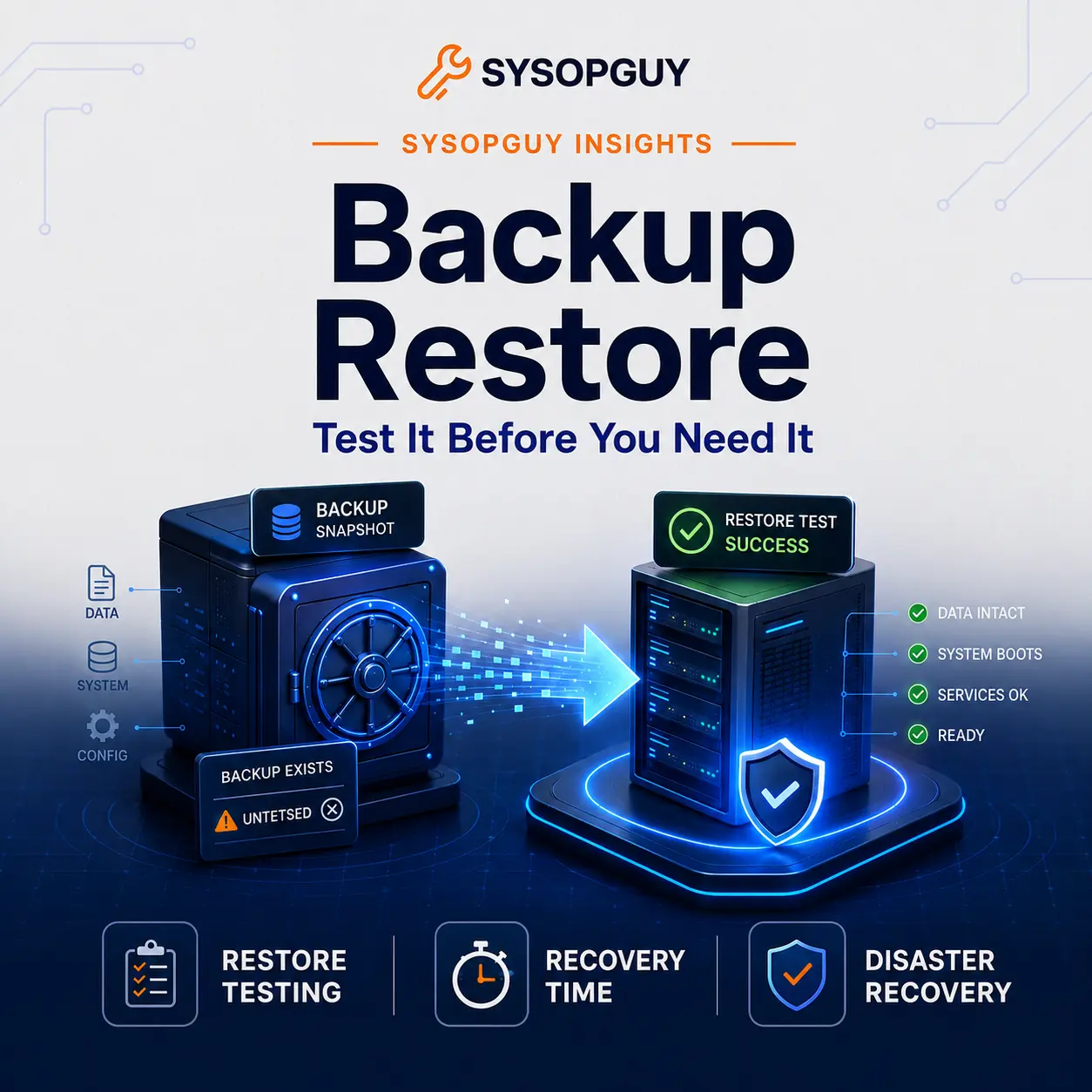
A green backup report feels reassuring. It shows completed jobs, stored archives, and a growing retention history.
None of those signs proves that recovery will work.
A backup only has value when it can return useful data or rebuild a working system. Until I restore it in a clean environment, I treat it as an unverified copy rather than a reliable recovery plan.
Backup software usually checks whether a task finished. It cannot always confirm that every file, database, key, dependency, and configuration required for recovery exists and still works.
A successful backup job can still fail
Backup failures do not always look like failures.
An archive may open while missing important files. A database dump may complete but contain inconsistent data. Encryption can protect a backup so well that a lost key makes the contents unreadable. Retention rules may also remove the only clean copy before anyone notices a problem.
Sometimes the job protects exactly what someone selected while omitting what the system actually needs.
A website often depends on more than its files and database. Recovery may also require web server configuration, PHP settings, scheduled jobs, DNS records, certificates, secrets, storage mounts, package versions, and external services.
Mail systems add another layer. Mailboxes alone do not recreate users, permissions, indexes, aliases, filters, certificates, or delivery settings.
Virtual machine backups can fail differently. A restored VM may boot but use the wrong network configuration, miss a storage mount, or start services in the wrong order.
In every example, the backup task can report success. Recovery still fails because the job saved data without preserving the full system context.
Test a working system, not an archive
Opening a compressed file proves only that the archive opens.
Mounting a snapshot proves only that the snapshot exists. A useful restore test must answer a more practical question: can I recover something that works?
For a web server, I would restore the files, import the database, recreate the required configuration, and load the application. I would then check authentication, uploads, scheduled jobs, email delivery, and any important external integrations.
For a virtual machine, I would restore the complete instance into an isolated environment. The test should confirm that the operating system boots, networking works, storage mounts correctly, and the expected services start.
A database requires more than a successful import. I also need to confirm that the application can connect, tables contain recent data, permissions remain correct, and normal queries behave as expected.
The test environment matters too.
Restoring onto the original server can hide dependencies on local files, cached credentials, existing packages, or network paths. A clean or isolated target exposes those assumptions before an incident does.
Not every test needs to reproduce the whole production environment. It should, however, cover the parts that decide whether the recovered service becomes usable.
Measure recovery time and expose hidden dependencies
A restore may work technically and still fail operationally.
Suppose a backup contains several terabytes of valid data, but downloading and restoring it takes two days. That result may suit an archive, yet it cannot meet a four-hour recovery target.
Restore testing turns recovery time from a guess into a measurement.
The process reveals transfer speed, manual steps, credential requirements, and slow dependencies. It may also expose cloud retrieval delays, limited bandwidth, checksum verification time, or a long database rebuild.
Recovery point matters as well.
A daily backup may restore perfectly, but it can still lose everything created since the previous run. The backup frequency must match the amount of data the owner can realistically afford to lose.
I do not treat recovery targets as numbers that belong only in documentation. They must match the actual storage performance, network capacity, backup schedule, and restore procedure.
People and instructions also form part of the test.
Someone must know where the backups live, how to access them, which system comes first, and which credentials unlock the data. That person may not be the administrator who designed the setup.
A real test quickly exposes outdated hostnames, expired credentials, missing commands, forgotten encryption keys, and steps that exist only in one person’s memory.
I prefer a short procedure that someone has followed successfully over a large document nobody has tested.
Protect the recovery path itself
A successful restore today does not guarantee another one next year.
Systems change, databases grow, software moves forward, and storage paths evolve. People leave, certificates expire, and old instructions become inaccurate.
For this reason, I treat restore testing as recurring backup maintenance.
The schedule should reflect the importance and rate of change of the system. A critical service with frequent deployments needs more attention than a static archive.
Tests should also cover more than the newest copy. Recent backups may already contain accidental deletion, corrupted data, or files damaged by ransomware. Useful retention provides several recovery points instead of one fragile option.
Backup storage also needs separation from production.
An attacker or administrator who can delete the live system should not automatically control every recovery copy. Offline, immutable, or separately authenticated storage can reduce that risk.
Separation alone does not prove recovery, though. I still need to test access, credentials, keys, and restoration.
Monitoring helps identify failed jobs, missing snapshots, or low capacity. It cannot confirm that an entire service will return from the stored data.
Only a restore test can do that.
The real backup result is a working restore
A backup job creates a copy. A restore test proves whether that copy can solve a real problem.
The difference appears when I rebuild the service, validate the data, measure the time, and follow the documented process without relying on hidden dependencies.
I would rather find a missing key, broken dump, or unrealistic recovery time during a planned test than during an outage.
Until a restore succeeds, the most important question remains unanswered:
Will this backup return the system when I need it?
If the answer is still unknown, the backup strategy is not finished.
If you need to verify an existing Linux backup process, I can review what it protects, test the recovery path, and identify the gaps before an incident exposes them.