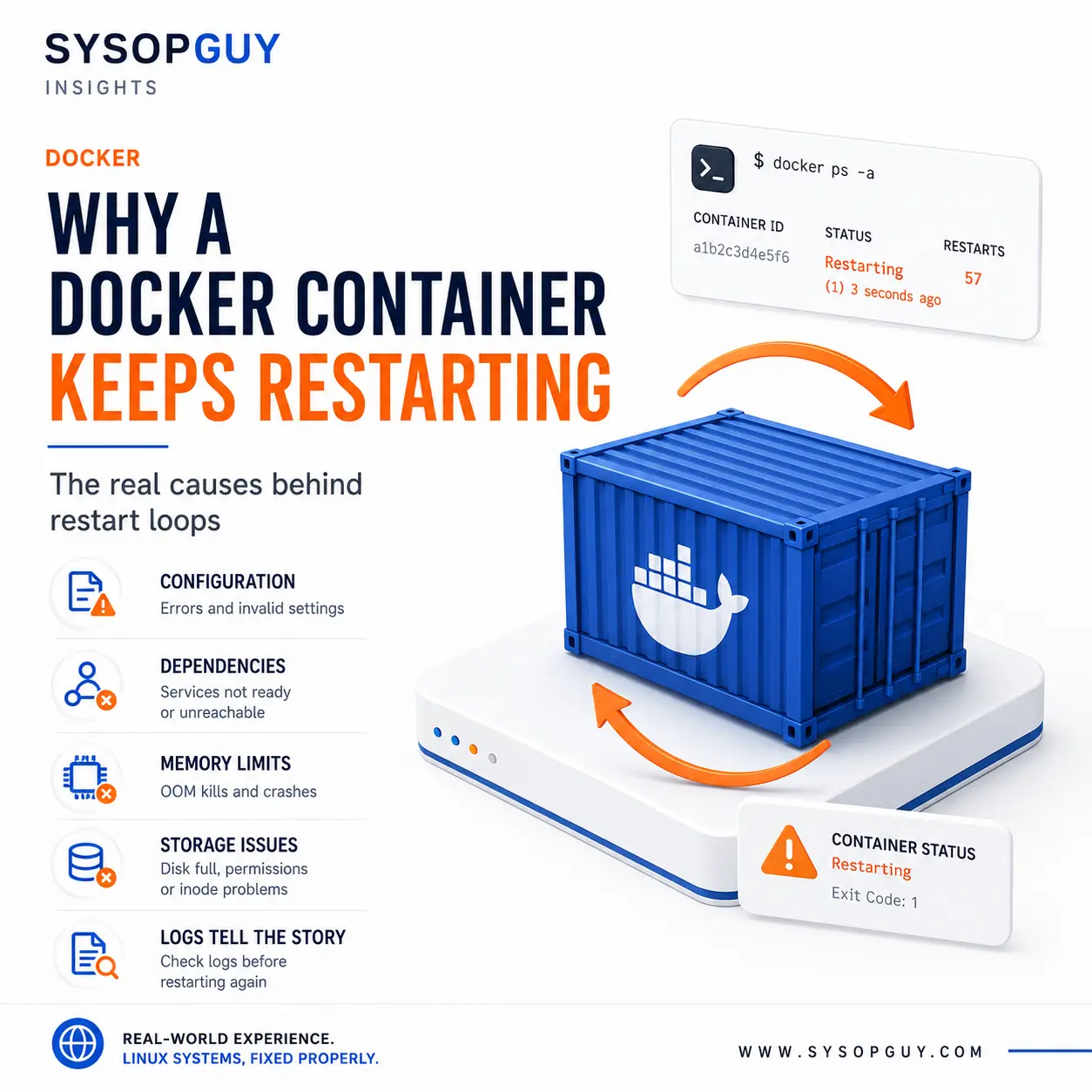
A Docker container starts, remains active for a few seconds and then disappears.
A moment later it comes back, only to fail again.
This behaviour makes Docker look unstable, but Docker is usually doing exactly what the configuration tells it to do. The main process inside the container exits, and the restart policy launches it again.
The restart is automatic. The solution is not.
The container is not the application
A container remains active only while its main process continues running.
If that process crashes, refuses to start or finishes unexpectedly, the container stops. Docker may restart it immediately, but it does not understand why the application failed.
That distinction matters.
The useful question is not simply why Docker keeps restarting the container. It is why the process inside it cannot stay alive.
Restarting the container manually often changes nothing. The same application starts with the same configuration, encounters the same problem and exits again.
Configuration errors often appear immediately
Many applications validate their configuration during startup.
A missing environment variable, invalid option or malformed configuration file can cause the process to terminate before the service ever becomes usable.
This often happens after a small change.
A new image may expect a variable that the previous version did not require. An option may have been renamed. A secret may be mounted under the wrong filename or into the wrong path.
Docker can still create and start the container successfully. That only proves that the container definition is syntactically acceptable.
It does not prove that the application inside it has everything it needs.
Seeing a container marked as running for two seconds is not the same as seeing the service start correctly.
A dependency may exist without being ready
Containers rarely operate alone.
An application may depend on a database, cache, message broker, API or another container on the same network.
The dependency may be running but still unable to accept connections. A database might be recovering data, waiting for migrations or rejecting the credentials supplied by the application.
In other cases, the service name changed, DNS resolution inside the Docker network fails or the containers no longer share the expected network.
The restart loop hides this sequence.
The application starts, attempts one connection, receives an error and exits. Docker launches it again, and the same exchange repeats.
Adding an arbitrary delay may hide the issue on a fast server, but it does not make the dependency reliable. A slower boot or a longer database recovery can bring the problem back.
Volumes can replace files the application needs
A container image may work correctly until persistent storage is attached.
A mounted directory replaces the contents that existed at the same path inside the image. If the host directory is empty or points to the wrong location, the application may suddenly lose its default configuration or expected data.
Permissions create another common problem.
The process inside the container may run under a restricted user and need write access to logs, cache, uploads or database files. The directory can exist on the host and still be unusable from inside the container.
This often appears after moving a stack to another server, restoring a volume from backup or changing the user configured inside the image.
The data is present, but its ownership no longer matches the process that needs it.
Making everything writable may get the container running, but it can expose private data and weaken isolation without explaining the real requirement.
Memory limits can make crashes look random
Some containers restart only under load.
The application starts normally, receives traffic or begins a demanding task, then suddenly disappears.
Memory pressure may be responsible.
A container can have a memory limit even when the host still has free RAM. When the application exceeds that limit, the kernel may terminate its process.
The opposite can also happen. The container has no strict limit, but the entire VPS is under pressure and the kernel chooses that process as a victim.
From outside, the failure appears random because the application does not always get the opportunity to record a useful error before it is killed.
Increasing memory may help when the workload genuinely needs more capacity. It does not explain whether the cause is a realistic peak, a memory leak or an unreasonable limit.
Docker still depends on the host filesystem
Containers do not escape storage problems.
A full disk can prevent an application from writing logs, lock files, temporary data or database files. Inode exhaustion can produce similar symptoms even when some disk capacity remains available.
A volume may also become read-only. A network mount can disappear. A filesystem problem can make previously valid data inaccessible.
These failures draw attention toward Docker because the visible symptom is a restart loop.
The actual fault may sit underneath it.
Recreating the stack without checking persistent storage is dangerous. The container may be disposable, but the database or application data inside its volumes usually is not.
Updates can change more than the image version
Pulling a newer image may change defaults, paths, required variables and database compatibility.
Floating tags such as latest make this harder to track. The deployment file remains unchanged while the software behind the tag changes.
An updated application may also require a database migration. If that migration fails or never runs, the application may refuse to start against the existing data.
Rolling back is not always harmless either.
The newer release may already have modified persistent data in a format the older version cannot understand.
Before changing versions again, I would want to know which image is actually running, what changed and whether its data remains compatible.
Health checks and restarts are not the same thing
A health check reports whether an application appears healthy.
It does not normally cause Docker’s standard restart policy to restart the container by itself. Restart policies react when the main process exits.
An unhealthy container may therefore remain running indefinitely.
However, an orchestrator or external management platform may react to the failed health check by replacing or restarting it.
This creates two different scenarios that can look similar:
- the application process exits and Docker restarts the container;
- the process remains alive, but another system replaces the unhealthy container.
Before investigating the cause, it helps to understand which of those is actually happening.
Recreating the container can remove useful evidence
Repeatedly removing and recreating a container can make diagnosis harder.
The most useful information often appears immediately before the process exits. Recreating the stack may remove the failed container, its state and its local logs.
Disabling automatic restart temporarily can make the failure easier to inspect, but that is only a diagnostic step.
It does not repair the application.
The restart counter confirms that something is wrong. It does not identify whether the cause is configuration, dependencies, storage, memory or an incompatible update.
The restart loop is only the symptom
I would begin with what the main process reported before exiting and whether the kernel terminated it.
Then I would compare that failure with recent changes: a new image, updated variables, restored volumes, permission changes or increased workload.
The goal is not merely to stop the restart counter from increasing.
It is to understand why the application cannot remain running without risking its persistent data or hiding the failure behind another automatic restart.
Need help diagnosing a Docker restart loop?
A container that keeps restarting may involve the application, the Docker configuration, the host or another service it depends on.
I can identify what is terminating the process and restore the service without deleting volumes or rebuilding the entire stack blindly.