Why Docker’s Latest Tag Can Break a Working Service
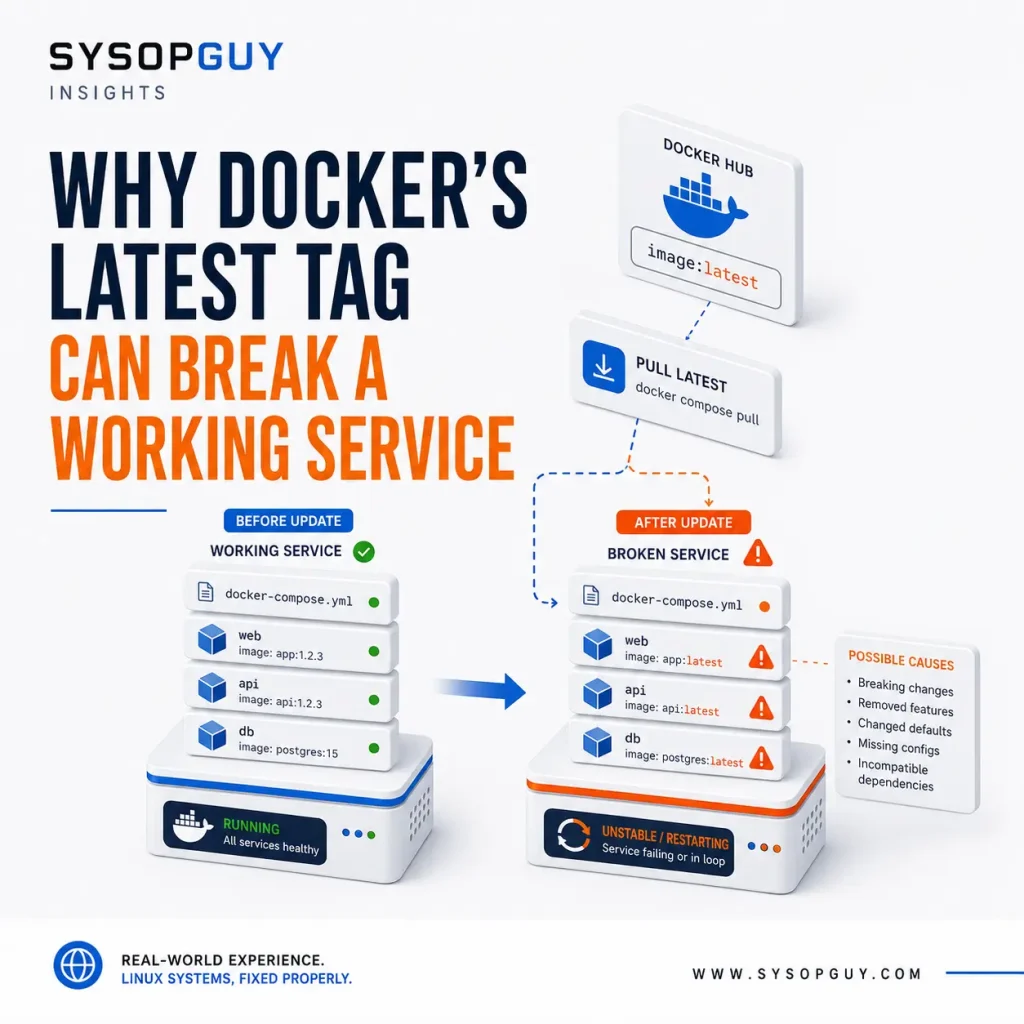
A Docker Compose file can remain unchanged while its latest image tag begins deploying different software. Explicit versions, digests and a tested recovery path make updates more predictable.
A Docker Compose file can remain unchanged while its latest image tag begins deploying different software. Explicit versions, digests and a tested recovery path make updates more predictable.
A reverse proxy may handle access to every website and self-hosted application on a server. If that shared entry point fails, healthy services behind it can all appear offline.
A self-managed VPS offers full control and a lower monthly price, but security, updates, backups, monitoring and troubleshooting remain entirely your responsibility.
A homelab can slowly become infrastructure that other people depend on. Here is when moving selected workloads to a dedicated server makes more sense than forcing everything to remain at home.
A server working immediately after configuration proves very little. A controlled reboot reveals whether services, mounts, networking and applications can actually recover on their own.
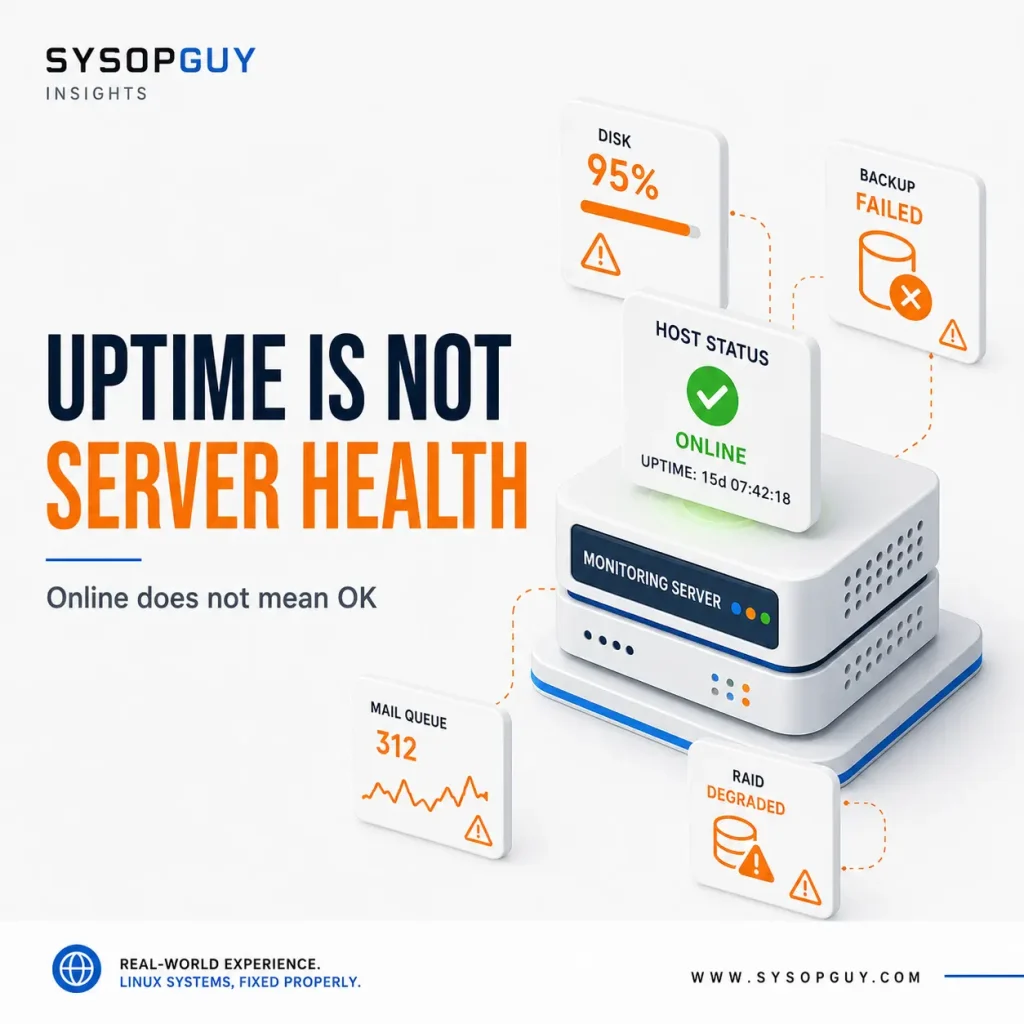
A server can answer pings and return HTTP 200 while storage fills up, backups fail and applications stop working properly. Uptime only confirms availability, not health.
Running several services on one VPS can be practical and affordable. The problems begin when unrelated workloads compete for resources and every failure affects the entire system.
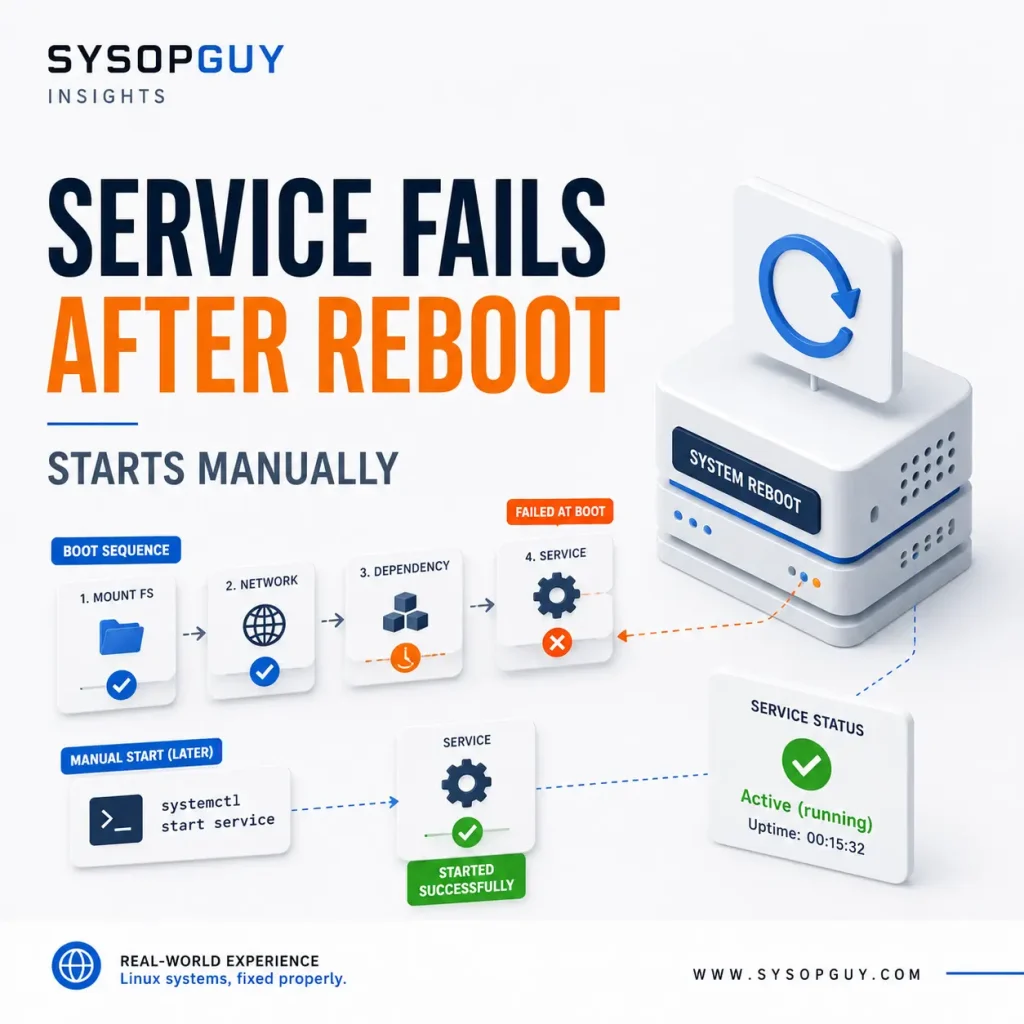
A service that fails during boot but starts normally a few minutes later is usually reacting to timing, dependencies or a different runtime environment.
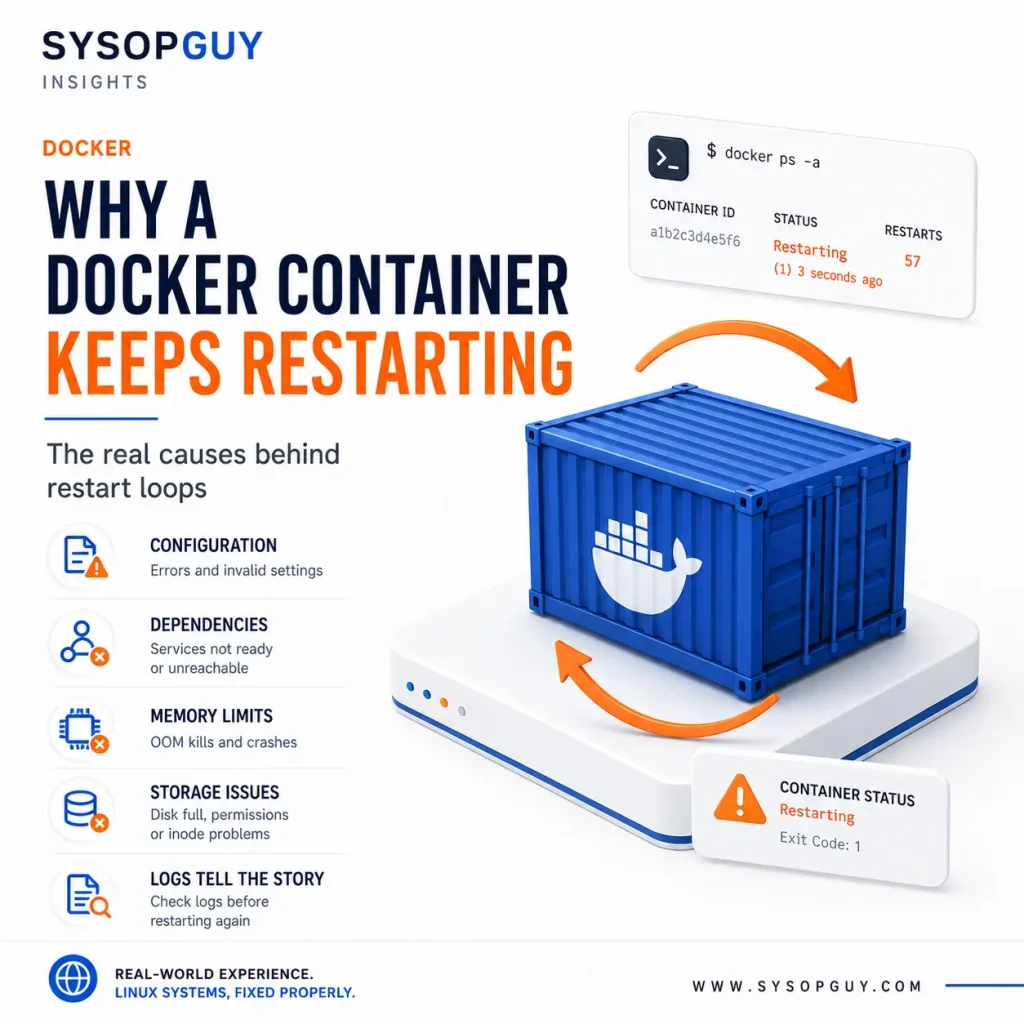
A restarting Docker container is usually reacting to a failed process, not causing the failure itself. Configuration, dependencies, memory limits and storage problems are common places to investigate.
VPS storage rarely disappears without a reason. Logs, backups, databases, Docker data, temporary files and deleted files can quietly consume more space than expected.
Low CPU usage does not always mean that a Linux server has enough resources. Disk delays, memory pressure, swap, network problems and virtualisation limits can make the entire system feel slow.