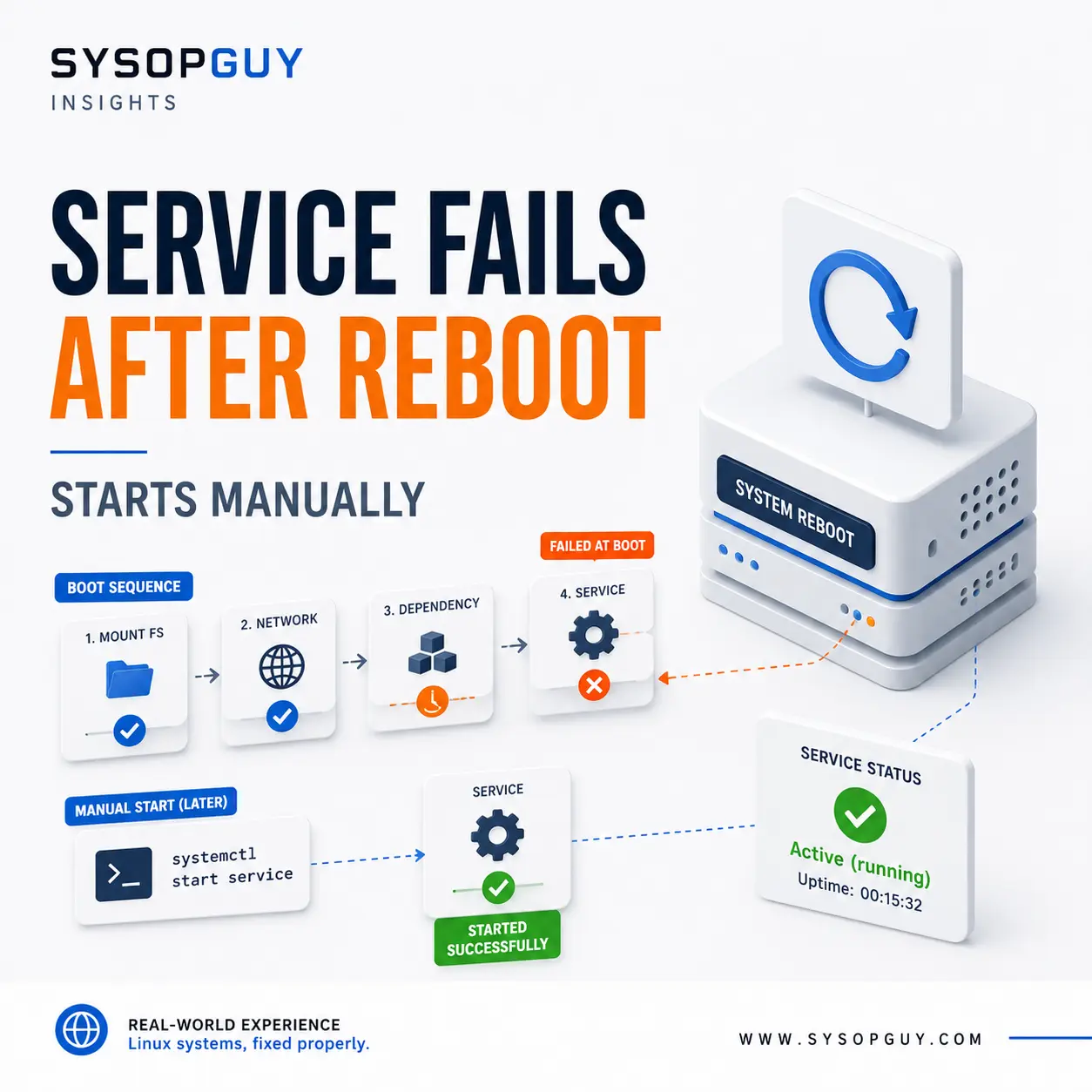
The server reboots, most services return normally, but one application remains offline.
Starting it manually works immediately.
The configuration has not changed. The binary is present, the port is available, and the service behaves normally once it is running.
That makes the failure look random. Usually, it is not.
The automatic start happens while the rest of the system is still coming online. The manual start happens later, after networking, storage and supporting services have settled.
That difference often explains everything.
Started does not always mean ready
An application may depend on a database, network service or another local process.
The service manager can report that dependency as active even though it is not yet ready to handle requests.
A database, for example, may have started its main process while still recovering transactions, opening large data files or performing internal checks.
The application starts a second later, attempts to connect and exits.
Five minutes afterwards, the same application starts manually without difficulty because the database is now fully available.
Both status reports were technically correct. The database had started, but it was not ready for the workload that depended on it.
Remote storage can arrive too late
Applications often rely on data stored outside the local root filesystem.
That data may live on NFS, iSCSI or another network-mounted filesystem that becomes available later in the boot process.
If the application starts before the mount is usable, it may fail because expected files are missing.
A more dangerous situation occurs when the mount point exists as an ordinary empty directory.
The application may start writing new data there without realising that the remote filesystem is absent. When the mount eventually appears, those files become hidden underneath it.
Nothing was deleted, but the server now contains two different sets of data associated with the same path.
A manual restart works because the storage is present by then. It does not explain what happened during the first start.
The boot environment is not your shell
A service launched during boot does not inherit the same environment as a command started from an interactive terminal.
Your shell may provide environment variables, a customised PATH, user-specific configuration or credentials loaded during login.
The service manager may provide none of them.
A custom application can therefore start successfully from a terminal because it finds a required command through your shell path or reads a variable exported in your profile.
During boot, the same application starts in a smaller and more predictable environment and fails immediately.
This often affects custom scripts and manually installed software that worked during testing but never received a complete service definition.
The application may be correctly installed. Its startup configuration may simply omit something it depends on.
Automatic and manual starts may use different users
Manual testing often happens as root or as the application owner.
The system service may run under a restricted account.
That changes which configuration files, certificates, sockets, directories and mounted data the process can access.
A file can exist and still be unreadable by the account used during boot.
Runtime directories create another common failure. Linux recreates /run after every reboot, so anything stored there must be created again.
An application that expects a PID directory or Unix socket path under /run may fail if nothing creates it first.
Later, another process or a manual command creates the missing directory, and the service suddenly starts as though nothing were wrong.
Making files and directories broadly writable may hide the symptom, but it can also expose credentials and private data. The correct question is which account needs access and why.
The network may be available only in theory
An interface being up does not guarantee that the full network path works.
The server may already have an IP address while DNS still fails. The default route may not yet exist. A VPN tunnel may be running but not established.
A mail filter may need external DNS. A backup agent may depend on remote storage. An application may need a database reachable only through a private tunnel.
If the service attempts that connection too early and does not retry properly, it exits.
A manual start succeeds because the route, DNS or tunnel is available by then.
Adding a fixed delay may appear to solve the problem, but it only guesses how long the network will need. A slower boot or temporarily unavailable remote service can bring the failure back.
Automatic restarts can make the problem worse
Restart policies are useful, but they do not fix missing dependencies.
A service starts, fails to reach its database and exits. The service manager immediately launches it again.
After several rapid failures, the restart limit is reached and the system stops trying.
By the time the database becomes ready, the application has already entered a failed state. It remains offline until someone starts it manually.
This explains why a temporary startup problem does not always correct itself.
The restart policy repeated the same failure several times. It never changed the conditions causing it.
An update may expose an old weakness
A service can start correctly for years and then fail after a package or operating system update.
That does not automatically mean the update is defective.
A newer application version may start faster and reach its dependency sooner. A database may need longer to recover after an upgrade. A package may stop creating a directory that a custom script incorrectly assumed would always exist.
Stronger service isolation can also remove filesystem access or environment variables that were never declared properly.
The update changes the timing or environment enough to reveal a fragile startup design that was already there.
Rolling back may restore the old behaviour, but it does not necessarily correct the underlying problem.
Manual startup proves less than it seems
A successful manual start proves that the application can run under the conditions present at that moment.
It does not prove that the boot configuration is correct.
I would compare the failed automatic start with the successful manual one:
- which user launched the process;
- which environment variables were available;
- whether required mounts existed;
- whether DNS and routing worked;
- which supporting services were already ready.
The first error recorded during boot is usually more useful than the successful startup recorded later.
Once every dependency is available, the clue often disappears.
The important question is not simply why the application stopped.
It is what was missing when Linux first tried to start it.
Need help with a service that fails after reboot?
A service that starts manually but fails during boot usually has a dependency, timing, permission or runtime-environment problem.
I can trace the original startup failure, identify what is unavailable during boot and correct the service behaviour without hiding the issue behind arbitrary delays or repeated restarts.