A homelab often starts with a small machine used for testing, learning, or running a few personal services.
Over time, it may begin hosting backups, home automation, private cloud storage, a VPN, monitoring, development environments, websites, or applications shared with family and friends.
At that point, it is no longer just a laboratory.
The question is not whether a dedicated server is more powerful. Modern mini PCs, workstations, and compact home servers can already provide plenty of CPU, memory, and storage.
The real difference is the environment around the machine.
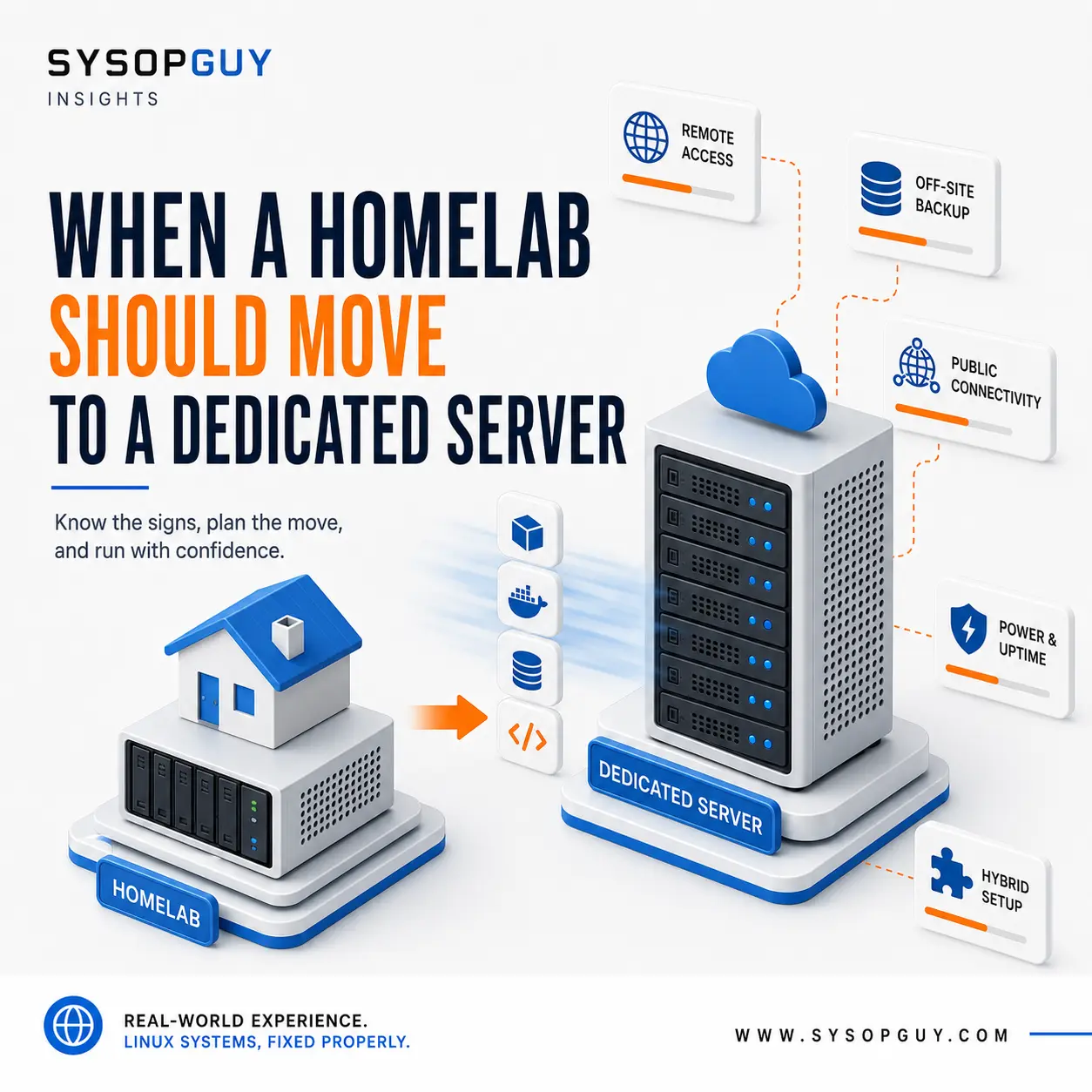
When availability, external access, and physical separation become more important than having the hardware within reach, some workloads may be ready to leave the homelab.
The server may not be the real limitation
A well-built home server can run several virtual machines and containers without difficulty.
The limitations often appear elsewhere.
The machine depends on domestic electricity, a consumer internet connection, a home router, the available cooling, and someone being present when physical intervention is required.
A power cut, router failure, damaged cable, or broadband outage can make every externally accessible service disappear at once.
A dedicated server is not automatically faster or immune to failure. It simply operates in an environment designed for systems that need to remain online.
Data centers provide power, cooling, network connectivity, and hardware procedures that are difficult to reproduce at home.
That difference becomes important when a server stops being experimental and starts providing services that people expect to use.
External availability changes the decision
Many homelab services belong at home.
Home automation, local media, internal DNS, workstation backups, and systems that communicate directly with devices on the local network often gain little from moving to a data center.
Public and remotely accessed services have different requirements.
A personal website, shared application, VPN endpoint, remote development environment, monitoring system, or game server becomes frustrating when it disappears every time the home connection has a problem.
Domestic internet connections can also introduce technical restrictions.
Upload speed may be much lower than download speed. The public address may change, while CGNAT can prevent direct inbound connections entirely. Tunnels and external relay services can work around these limitations, but they add another dependency to the setup.
A dedicated server normally provides stable public connectivity without relying on the condition of the home network.
When a service must remain reachable while nobody is available to restart the router, it may be time to move that workload elsewhere.
Running infrastructure at home has a real cost
The purchase price of a home server is only part of its cost.
A machine running continuously consumes electricity and generates heat. Storage devices, network switches, additional nodes, and UPS units increase both consumption and complexity.
Noise can become another problem.
A quiet mini PC may fit comfortably in a home office. Several machines or rack equipment designed for a data center can be much harder to live with.
Hardware maintenance also remains the owner’s responsibility.
Immediate physical access is useful, but a failed disk, power supply, or motherboard may still leave the system offline until the problem is diagnosed and replacement parts are available.
With a rented dedicated server, the provider owns the physical hardware and handles its replacement according to the terms of the service.
This does not remove the need for backups. Replacing a failed component does not automatically recover damaged data, configuration errors, or deleted virtual machines.
It only removes part of the physical maintenance from the person managing the system.
Off-site backup may be the first reason to move
A homelab often stores both the original data and its backups.
A computer may back up to a local server, while another disk or NAS in the same room holds an additional copy.
That protects against some failures, but every copy still shares the same physical location.
Theft, fire, flooding, electrical damage, or a serious mistake can affect several systems at once. A backup stored next to the original machine cannot protect against the loss of the entire site.
For many private users, off-site backup is the first workload that makes sense on remote infrastructure.
A dedicated server can provide physical separation, but simply copying data to another machine is not enough. The backup still needs sensible retention, restricted access, encryption where appropriate, and regular restore testing.
A compromised local system should not be able to destroy every remote copy using the same unrestricted credentials.
In some cases, the homelab does not need to move at all. Adding a properly protected off-site destination may already solve its most important weakness.
A hybrid setup is often the better design
Moving to a dedicated server does not mean abandoning the homelab.
The two environments can serve different purposes.
Services that depend on local devices or process large amounts of local data can remain at home. Public services, remote access systems, monitoring, and off-site backups can run in the data center.
An encrypted VPN can connect both locations without exposing internal dashboards, hypervisors, or management interfaces directly to the internet.
This approach keeps the advantages of local hardware while avoiding the need to make a domestic network behave like a small data center.
It also limits the migration.
Instead of moving every virtual machine and container, only the workloads that benefit from better connectivity or physical separation need to leave.
The clearest sign is the effect of an outage
CPU and memory usage do not determine when a homelab has outgrown its environment.
The consequences of failure are more important.
A move becomes worth considering when internet or power interruptions repeatedly affect services used outside the home, when other people depend on those services, or when every problem requires someone to be physically present.
The same applies when limited upload speed affects normal use, CGNAT makes connectivity unnecessarily complicated, or important backups still exist only inside the house.
One of these problems may not justify renting a dedicated server.
Several of them together usually indicate that part of the homelab has become real infrastructure.
Moving does not remove administration
A dedicated server creates a different set of responsibilities.
It still needs updates, hardening, monitoring, independent backups, and a tested recovery plan. Public exposure also makes secure configuration more important.
SSH, control panels, hypervisors, backup interfaces, and other management services should not be left publicly accessible without a real reason.
Physical access changes as well.
At home, a monitor and keyboard can be connected directly. In a data center, recovery depends on remote consoles, rescue environments, and the provider’s hardware procedures.
The new location solves some problems but introduces different dependencies.
The objective is not to move the server somewhere else and forget about it. It is to place each workload in the environment that best matches its requirements.
When the homelab becomes infrastructure
A homelab remains an excellent place for learning, experimentation, self-hosting, and useful private services.
It becomes something more when availability, remote access, and off-site protection start to matter as much as the technology itself.
That is when a dedicated server may become useful.
The homelab can continue hosting local systems and experimental workloads, while the dedicated server handles services that need stable public connectivity or physical separation from the home.
Moving only the right workloads usually produces a stronger design than forcing everything to remain in one location.
Need help planning the move?
I can review an existing homelab, identify which workloads are better suited to a dedicated server, and help plan a secure migration while keeping local services where they belong.