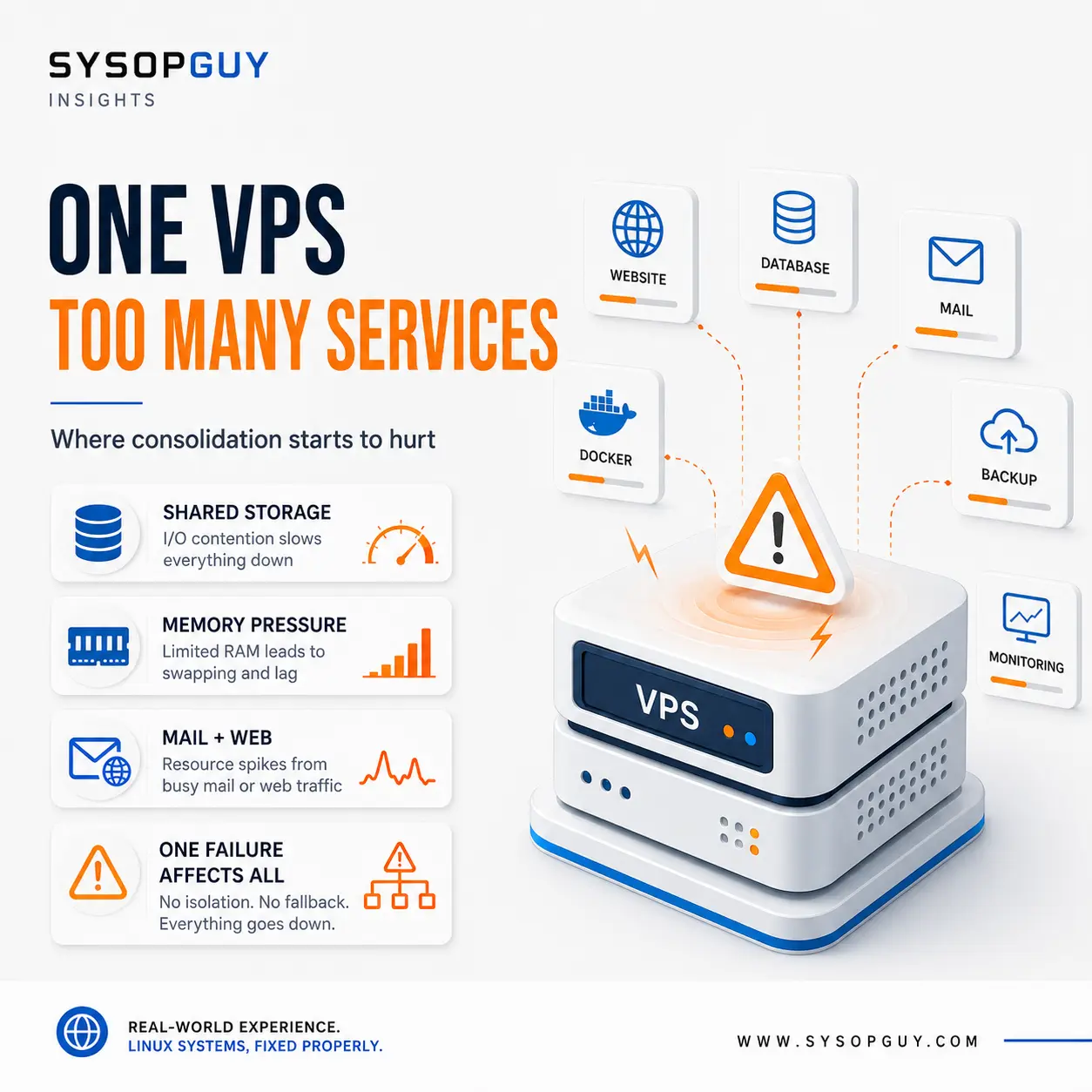
Running several services on one VPS is not automatically bad design.
For a personal server or a small project, it can be the most practical choice. One machine costs less, needs fewer updates and is easier to monitor than several separate systems.
A web server, a database and a few lightweight applications may coexist perfectly well.
The problem begins when convenience slowly turns into dependency.
Another service gets installed because some memory is still free. Docker arrives later. Then the same VPS starts handling email, backups, monitoring and a VPN.
Nothing looks excessive on its own. Together, those services share the same CPU, memory, storage, network connection and point of failure.
Consolidation usually happens gradually
Most overloaded VPS setups were not designed that way from the beginning.
They grow one application at a time.
A server starts with a website and its database. Later, someone adds monitoring, a password manager, a file service and a few containers.
Each addition appears harmless. CPU usage remains low, the disk still has space and the monthly cost does not change.
The real test, however, is not how the server behaves while everything is idle.
A database import, compressed backup, container update and log rotation may all run during the same hour. Suddenly, the VPS that looked comfortable begins waiting on storage and using swap.
No individual service needs to be badly configured. Their combined workload is enough.
Shared storage is often the first problem
Several services on one VPS normally use the same underlying virtual disk.
A website performs many small reads. A database needs frequent writes and predictable latency. A backup job scans large amounts of data and creates compressed archives. Docker adds image layers, volumes and container logs.
The same storage must handle all of it.
A backup may make the database feel slow even when CPU usage remains low. A container log can consume the free space needed by the mail queue. Temporary files from one application can prevent another from writing its data.
From outside, the symptoms may look unrelated.
The website becomes slow, mail stops moving and a container begins restarting. All three may be reacting to the same overloaded or full filesystem.
Memory pressure affects services that did nothing wrong
Memory works in a similar way.
The database uses RAM for caching. Web workers, mail filters, containers and monitoring agents all need their own share. Linux also uses available memory to reduce disk access.
The server may run normally until one workload grows.
An application launches more workers. A database operation needs additional memory. A container briefly consumes several gigabytes during an import.
The kernel then begins reclaiming memory more aggressively. Swap activity increases, latency rises and services unrelated to the original workload begin to suffer.
Eventually, one process may be terminated to recover memory. The visible victim is not always the process that created the pressure.
Adding RAM can help when the server genuinely needs more capacity. It does not solve a design where every new service simply consumes whatever remains.
Maintenance gains a larger blast radius
Consolidation also changes routine maintenance.
Rebooting the VPS for a kernel update takes down every service at once. A filesystem problem can affect websites, email, VPN access and containers. A failed package upgrade may damage several unrelated workloads.
Even ordinary changes carry more risk.
A firewall rule added for one application can block another. A database upgrade may affect several services. A change to networking can interrupt both public services and remote administration.
The machine becomes harder to reason about because every action has more consequences.
This does not mean a consolidated VPS cannot be maintained safely. It means that a small and inexpensive machine may require more planning than its size suggests.
Email raises the stakes
Mail servers deserve special attention.
Hosting email on the same VPS as websites, containers and experimental applications ties mail reliability to everything else on that machine.
A compromised web application may damage the reputation of the same public IP used for outgoing mail. A full disk can stop the mail queue. A firewall mistake can interrupt SMTP delivery.
Resource contention matters too. Spam filtering and antivirus scanning can consume significant CPU and memory during traffic peaks.
The mail configuration may be perfectly correct and still suffer because another application behaves badly.
For a personal domain, that compromise may be acceptable. The important part is recognising it rather than assuming that different ports provide real isolation.
Docker does not create another server
Containers make a crowded VPS look more organised.
Each application has its own image, environment and volumes. That separation is useful, but every container still depends on the same host.
They share the kernel, memory, storage and network connection. If the VPS runs out of disk space, every container is affected. If the host fails, all of them stop.
Containers also do not prevent one workload from consuming excessive resources unless appropriate limits exist.
Docker improves packaging and deployment. It does not remove the consequences of placing unrelated services on one machine.
Backups become less simple than they appear
A single VPS may look easier to back up because everything lives in one place.
In practice, different services need different recovery methods.
Copying website files is not the same as backing up an active database. A Docker volume may contain live application data. A mail server may modify mailbox contents while the backup runs.
A complete VPS snapshot can be useful, but it does not guarantee that every application will restore cleanly.
It also creates one large recovery unit.
If only the database needs to be recovered, restoring the entire machine may overwrite newer mail, files or application data that were not affected by the original problem.
Consolidation reduces the number of servers. It does not remove the need to understand how each service stores data and how it should be restored.
There is no safe number of services
There is no meaningful rule saying that three services are acceptable and four are too many.
A static website, a DNS resolver and a small VPN may consume fewer resources than one busy database. Two workloads with conflicting storage patterns may cause more trouble than ten mostly idle containers.
I would look at dependency and impact rather than count.
Can one application fill the disk used by everything else? Can a compromised website affect outgoing mail? Does one reboot interrupt services with different availability requirements? Can each workload be restored independently?
When every answer leads back to the same VPS, consolidation may have moved beyond convenience.
Separation should solve a real problem
Splitting every service onto another machine is not automatically better.
More VPS instances mean more operating systems, updates, monitoring and configuration to maintain. Excessive separation can create unnecessary cost and complexity.
The goal is not maximum fragmentation.
I would separate a workload when doing so reduces a real risk: resource contention, security exposure, maintenance impact, reputation damage or recovery complexity.
Until then, one well-managed VPS may remain the better option.
The important part is recognising when the system has stopped being a deliberate design and has become a collection of unrelated services that merely happen to fit.
Need help reviewing a crowded VPS?
A VPS can host several services reliably when their resource use, dependencies and failure impact remain understood.
I can review what is running, identify where workloads interfere with each other and determine whether the server needs better limits, more capacity or a sensible separation plan.